Rolling out a batch of new client accounts
Set the theme before the batch goes live and every new sub-account opens already branded. Nothing to remember during onboarding.
Theme
Palette
Saved to this browser. Applied before the page paints, so it never flashes.
Layer 01 · Themes, UI kits and dark mode
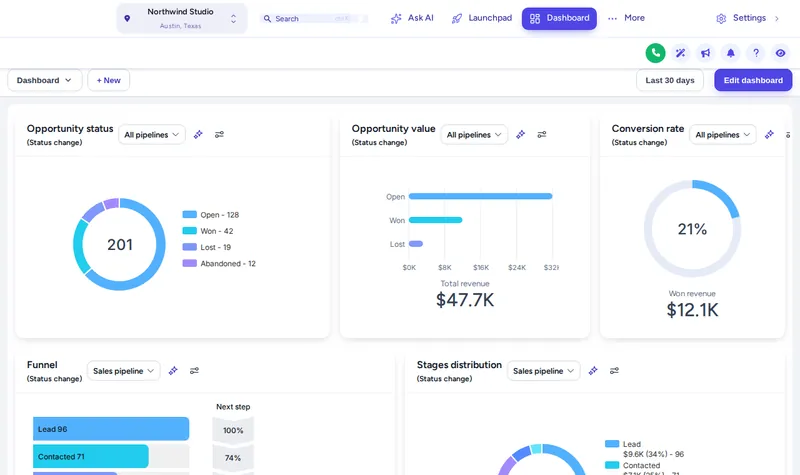
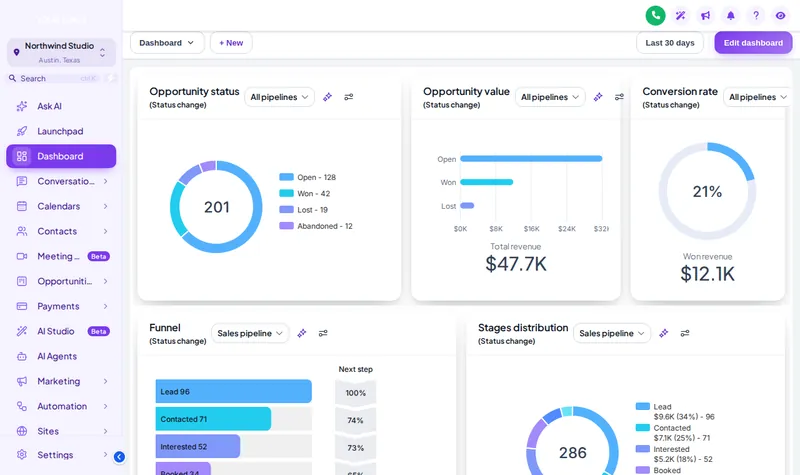
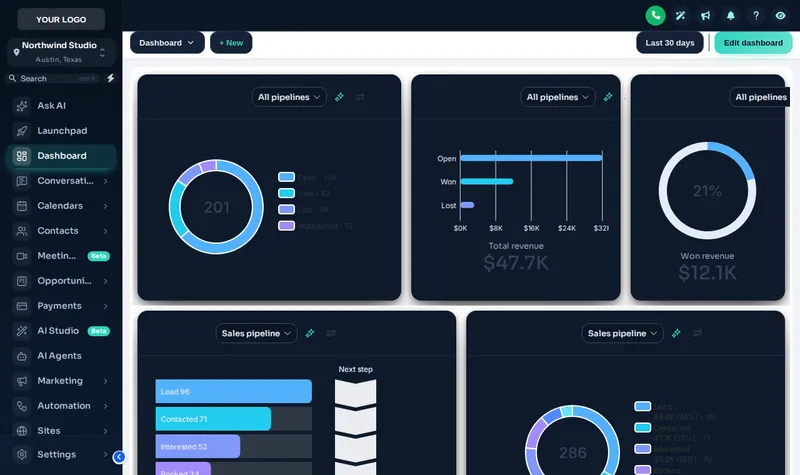
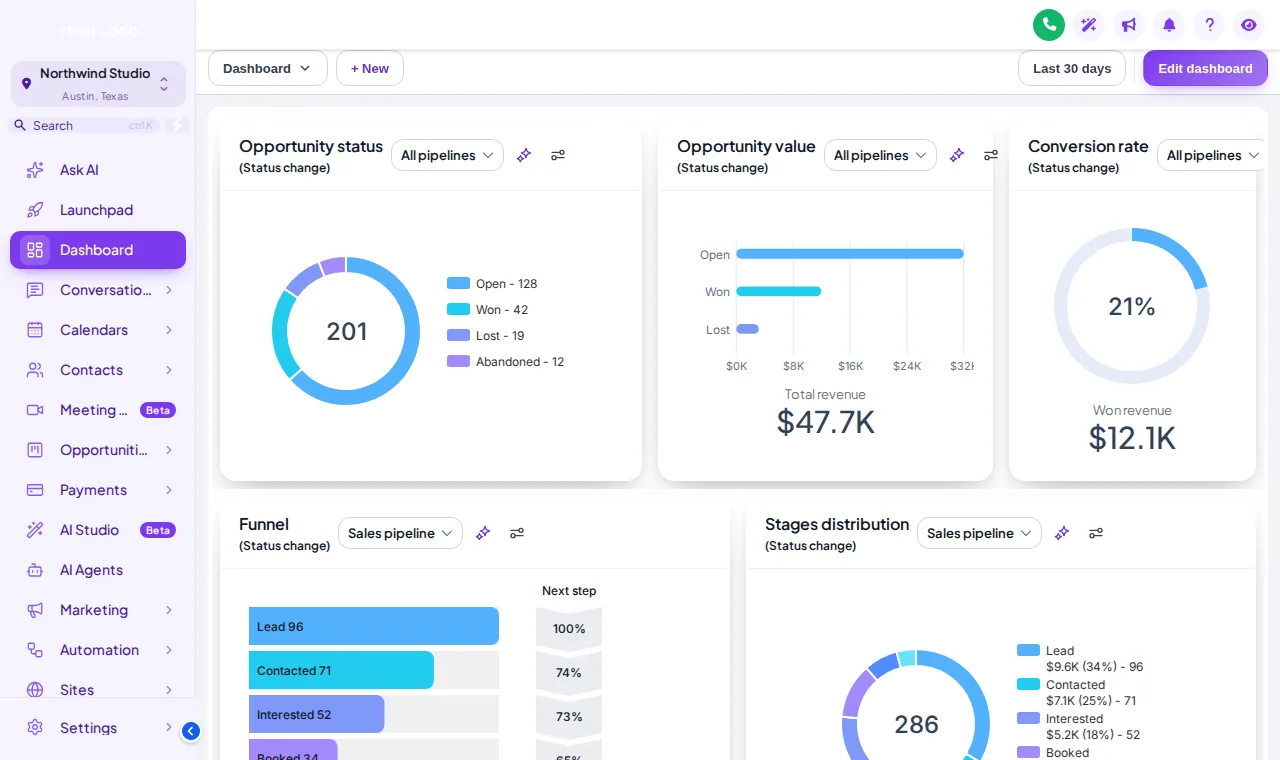
A GHL theme from the customizer restyles the whole GoHighLevel interface: sidebar, header, buttons, cards, tables and modals. Choose from 27 themes and 11 UI kits, switch on dark mode, add your logo, and the same look loads in your agency view and in every client sub-account.
Included from Sub-Account SoloOne-time payment, lifetime accessLogin emailed within minutes (max 24 hours)
The short answer
A theme changes the colours, typography, sidebar and header of GoHighLevel for everyone who logs in. The UI kit changes the shape language on top of it: corners, borders, shadows and button style. Together they cover every screen, and because they load from your agency's white-label settings, every sub-account gets them at once.
Try it live
Face lab · real engine, no login
Loading the live preview
Same line of code, same look in every sub-account
Lavender Dream The real customizer engine is restyling a copy of a GoHighLevel sub-account. Click inside it: the menu, the collapse arrow and the Add contact modal all respond. The tiles underneath are what the same install does to every other sub-account in your agency.
Quotable facts
Problem, then outcome
Before
Every client logs into the same stock GoHighLevel blue, so your agency looks interchangeable with the next one.
After
Clients log into a palette, logo and type that belong to your agency, from the first screen to the last.
Before
Branding was done once in one sub-account and drifted in the others as staff changed settings.
After
The theme loads from the agency level, so there is nothing per sub-account to drift.
Before
Late-evening users squint at a bright white CRM.
After
Dark mode is one switch, and the dark-first themes are built for it rather than inverted.
Use cases
Set the theme before the batch goes live and every new sub-account opens already branded. Nothing to remember during onboarding.
Pick a theme that suits the trade, a calm alpine look for clinics, a bold one for contractors, and keep it identical across all of them.
Offer dark mode for staff who live in conversations and pipelines, without changing the brand colours.
Change the theme once in the editor and every sub-account updates. No reinstall, no account-by-account clean-up.
Screenshots
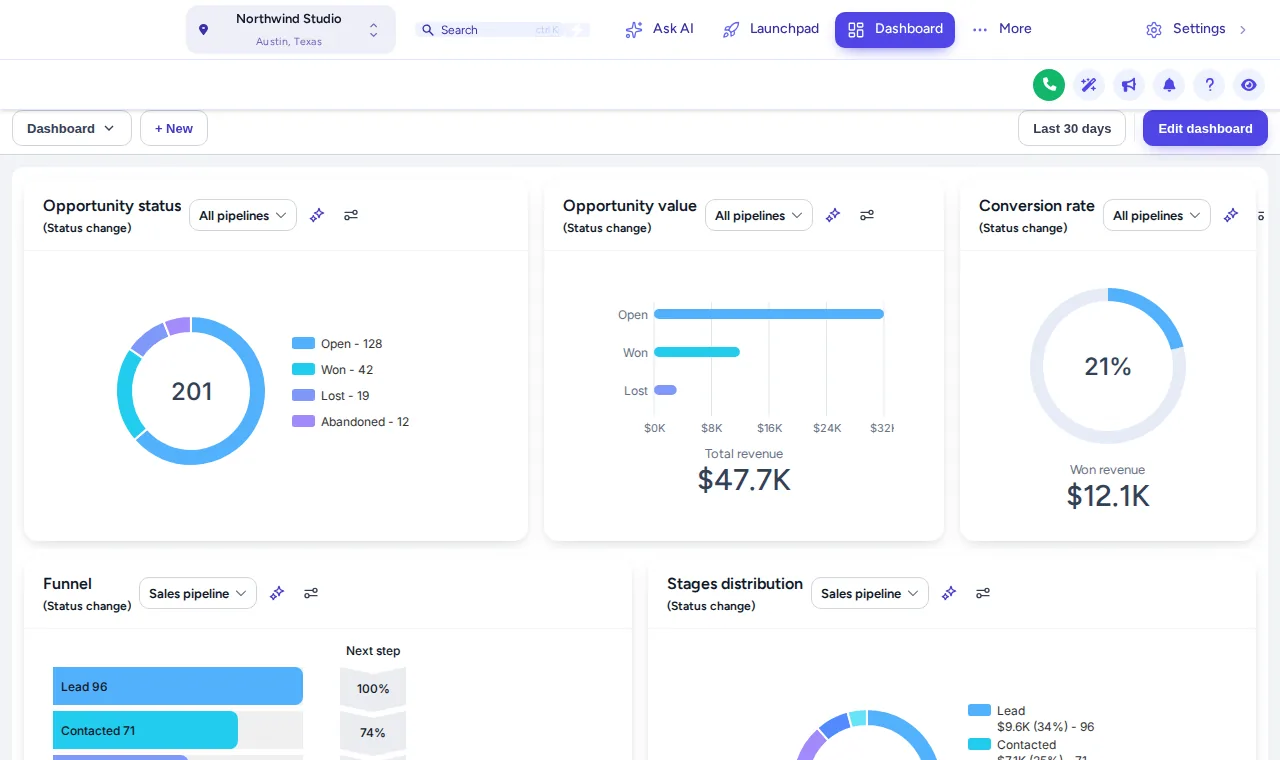
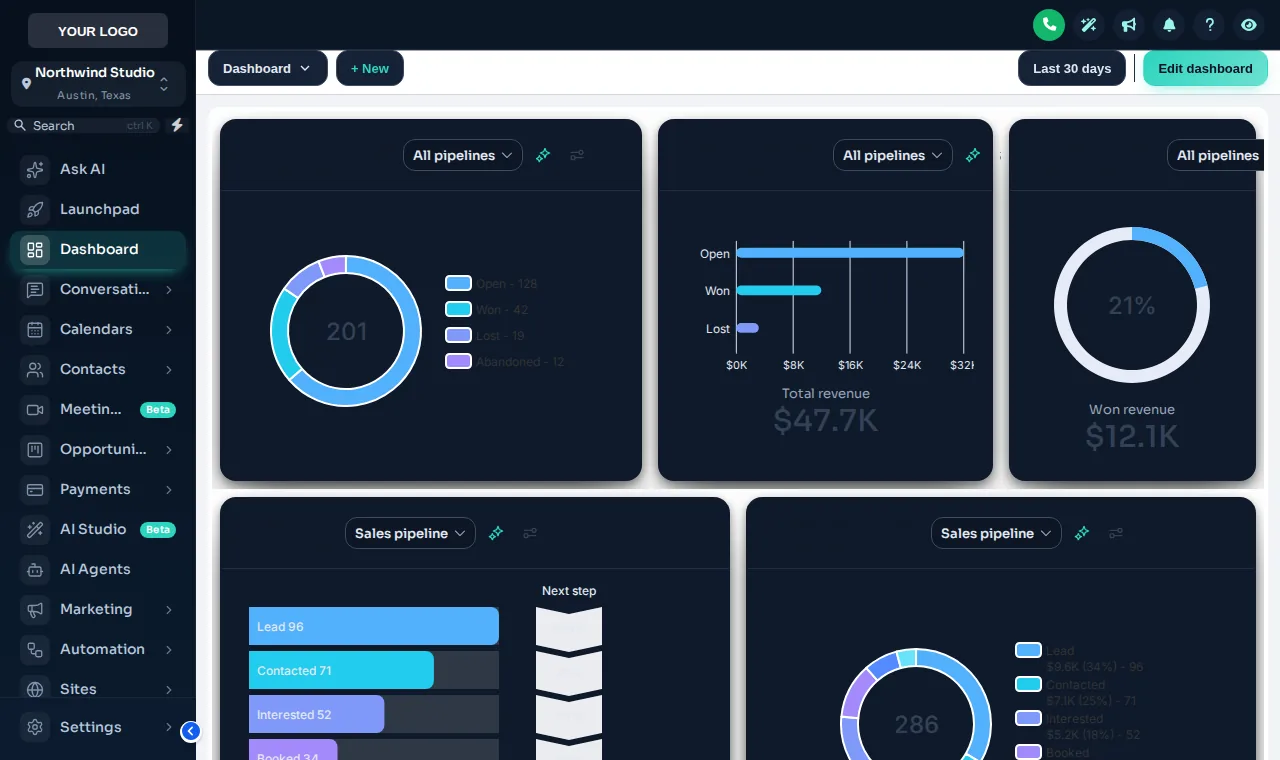
Set it up
You do this yourself in the customizer's live editor. If your line of code is already in GoHighLevel, saving is the last step; if not, it is a one-time paste into Agency Settings → Company → White Label → Custom JS.
Browse all 27 on a live copy of GoHighLevel and pick the one that matches your brand.
Try the 11 kits on top: soft, bordered, elevated, glass, brutal and more. Elevated is what you see in the preview here.
Upload your logo, nudge the brand colours, decide on sidebar or top bar, and switch dark mode on or off.
Save in the editor. If the line of code is already in GoHighLevel, every sub-account picks it up on the next page load.
Which package
The foundation. Pick a theme and a UI kit, set your logo and colours, choose a login design, and every sub-account your clients open wears the same brand.
Login emailed within minutes (max 24 hours)
Questions
There are 27 themes, of which 3 are dark-first, plus 11 UI kits that can be layered on any of them. Every account gets all of them, from the Sub-Account Solo package up.
Yes. The line of code goes into your agency white-label settings, so the theme loads for the agency view and for every sub-account under it. You do not install anything per sub-account.
The theme sets colours, sidebar, header and typography. The UI kit sets the shape language: corners, borders, shadows and button style. Mix any kit with any theme.
Yes. A theme is a starting point. In the editor you can change the primary colour, sidebar colours and logo, and save the result as your own template.
Yes. Dark mode is included in every package, and 3 of the themes are designed dark from the start, so text and charts keep their contrast.
Yes. Themes can run as a left sidebar, a right sidebar or a top bar. Richer menu styles such as mega menus come with the menus layer in the higher packages.
The customizer platform maintains its engine against GoHighLevel changes, and because your design is served from the platform, fixes reach you without reinstalling. If something looks off, support can help.
No. Everything is chosen in the editor with previews. If you do know CSS you can still add your own custom CSS alongside it.
Keep building the look
All ten layers · Package comparison · How the one-line install works · White-label sub-account setup service
Layer 01
Buy Sub-Account Solo, get your login by email, and set it up yourself in the live editor today.
One-time payment, lifetime access · login emailed within minutes (max 24 hours) · install in about 2 minutes
Accessibility
Text size
Display
Turning animation off tears down the WebGL grid and the particle field — they stop running, they are not just hidden.